Claude Can Now Edit Your Videos.
HyperFrames is HeyGen's new open-source video tool that Claude Code, Cursor, and Gemini can actually drive. One prompt, one agent session, a finished cut. Apache 2.0, no per-render fees, no seat caps.
You'll also receive my content strategy newsletter with more free breakdowns.
How to Ship Agent-Edited Video with HyperFrames
Open Claude Code and tell it to install HyperFrames
Claude Code handles Node, FFmpeg, the CLI, and the HyperFrames skill in one go. Paste the prompt below into a fresh Claude Code session in an empty folder. Yes, that's a terminal. No, you don't need to learn it; that's what my team is for.
Install HyperFrames in this folder and add the HyperFrames skill so you can author and render compositions for me.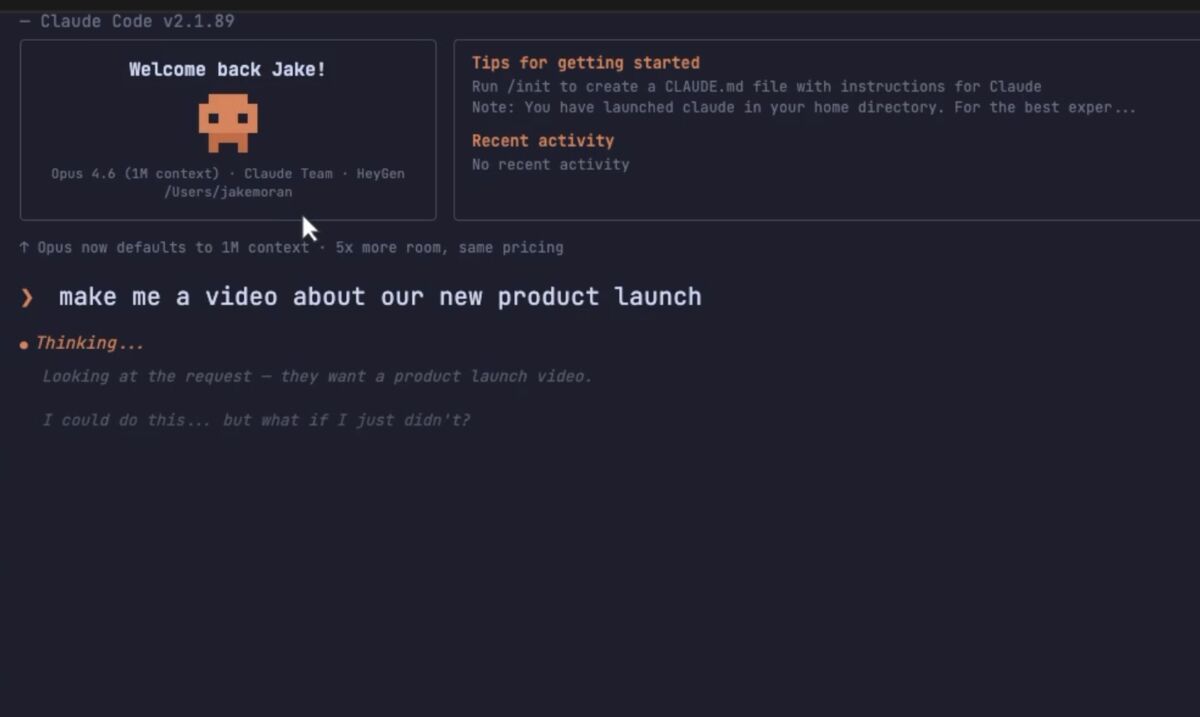 Get Claude Code→
Feed Claude a video using its absolute path
Important: you cannot drag-and-drop video files into Claude Code. Claude can only read what it can find on disk, so you have to give it the absolute path. On Mac, right-click the file in Finder, hold Option, and click "Copy as Pathname". On Windows, Shift+right-click and pick "Copy as path". Then paste it into your prompt like this:
Edit /Users/you/Movies/clip.mp4 - cut the filler words, add word-by-word captions in my brand style, render as a 9:16 reel.Let Claude drive video-use - no timeline scrubbing
This is the unlock most people miss. Claude actually watches the video. It transcribes the audio, sees the frames, finds the filler words and dead air, and decides where to cut. You're not building a timeline - you're directing an editor. Tell it what you want, get back a finished cut.
Iterate by prompting, not by scrubbing
Claude opens a local preview so you can watch the cut. If something's off, just say it: "the hook is too slow, tighten the first 2 seconds", "caption colour should be lime not white", "add a beat-synced flash on the drop". Claude edits the composition and re-renders.
Plug in the registry for hooks, captions, and motion graphics
The HyperFrames registry ships 50+ pre-built blocks - kinetic-type hooks, lower thirds, audio-reactive visuals, animated charts, scene transitions. Just ask Claude to wire one in. Frame Adapters mean GSAP, Anime.js, Lottie, and Three.js all work too - bring whatever motion library you already know.
Add the kinetic-type hook block from the HyperFrames registry and wire it to my voiceover.Render and ship
When you're happy, Claude renders a deterministic MP4 locally. No cloud queue, no per-render fee, no watermark, no seat caps. Apache 2.0 - use it commercially at any scale. Render as many takes as your machine can handle.
What's inside
- The full agent-edited video stack - or have my team install it for you
- Word-by-word captions, audio-reactive motion, registry blocks - all driven by prompts
- Apache 2.0 - no per-render fees, no seat caps, no enterprise sales call